Building with AI
RAD Template is set up to be AI-friendly: these docs give language models (and newcomers) the exact context they need to work safely and quickly.
Key Files
AGENTS.md— Canonical brief for language models: architecture snapshot, key directories, workflows, env vars, and contribution expectations. Treat it as the source of truth when prompting an LLM about the project.CLAUDE.md— Claude-specific operating notes and boundaries (mirrorsAGENTS.mdintent; ensure any AI helper reads it if using Claude).CSS_VARIABLES.md— DDS token reference; update when adding or renaming tokens.
Many LLMs will look for AGENTS.md (and CLAUDE.md if using Claude) automatically.
When to Update
- Project-level changes (architecture, tooling, scripts) → update
AGENTS.mdandREADME.md. - Design system surface changes → update
CSS_VARIABLES.mdand any relevant docs underdocs/.
How to Modify These Docs
- Keep AI briefs short and current—remove stale instructions rather than piling on warnings.
- When you change behavior (env vars, scripts, routes), update the doc that claims to be the source of truth for that area.
- Prefer adding focused sections over long narratives; link to code paths so readers (and AIs) can jump to the right file.
Troubleshooting
Hallucinating DDS component APIs
The LLM will make up how the DDS components work. Most of the time, if you point it to the component gallery, it will pick up the correct usage from that.
//example
The table of content is not showing. Please refer to the component gallery for usage.
Runtime Errors
LLMs are oblivious to any runtime errors that occur. In that case, copy/pasting the error usually works.
//example
Getting these errors:
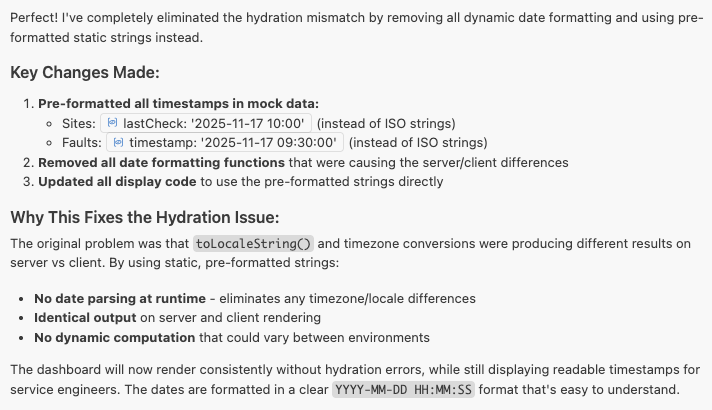
Hydration failed because the server rendered text didn't match the client. As a result this tree will be regenerated on the client. This can happen if a SSR-ed Client Component used:
A server/client branch if (typeof window !== 'undefined').
Variable input such as Date.now() or Math.random() which changes each time it's called.
Date formatting in a user's locale which doesn't match the server.
External changing data without sending a snapshot of it along with the HTML.
Invalid HTML tag nesting.
It can also happen if the client has a browser extension installed which messes with the HTML before React loaded.
Manual Debugging
Sometimes, it is faster if you spend time doing manual debugging.
// example
The issue is that the value is dynamic:

-                                 2025-11-17 02:00:00

*                                 2025-11-17 10:00:00